Every lock code.
Right where you need it.
CodeKeep keeps your door, gate, key safe and padlock codes encrypted on your phone, and puts the nearest one in front of you the moment you arrive.
 Coming soon toGoogle Play
Bought CodeKeep Version 1? Get CodeKeep Version 2 free.
Rebuilt from the ground up
Stop forgetting your lock codes
CodeKeep Version 2 is quicker to find the right code, harder for anyone else to see it, and safely backed up. The same app on iPhone and Android.
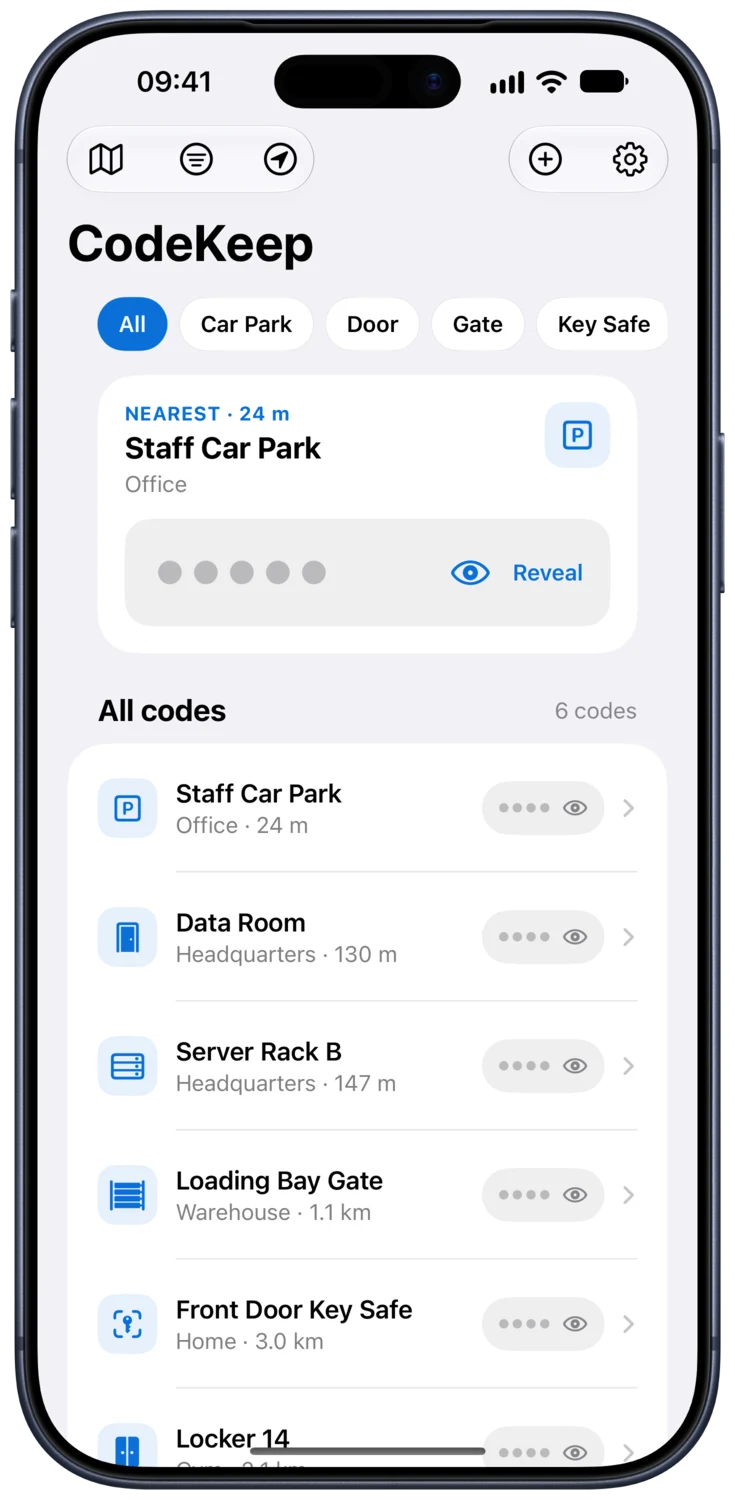
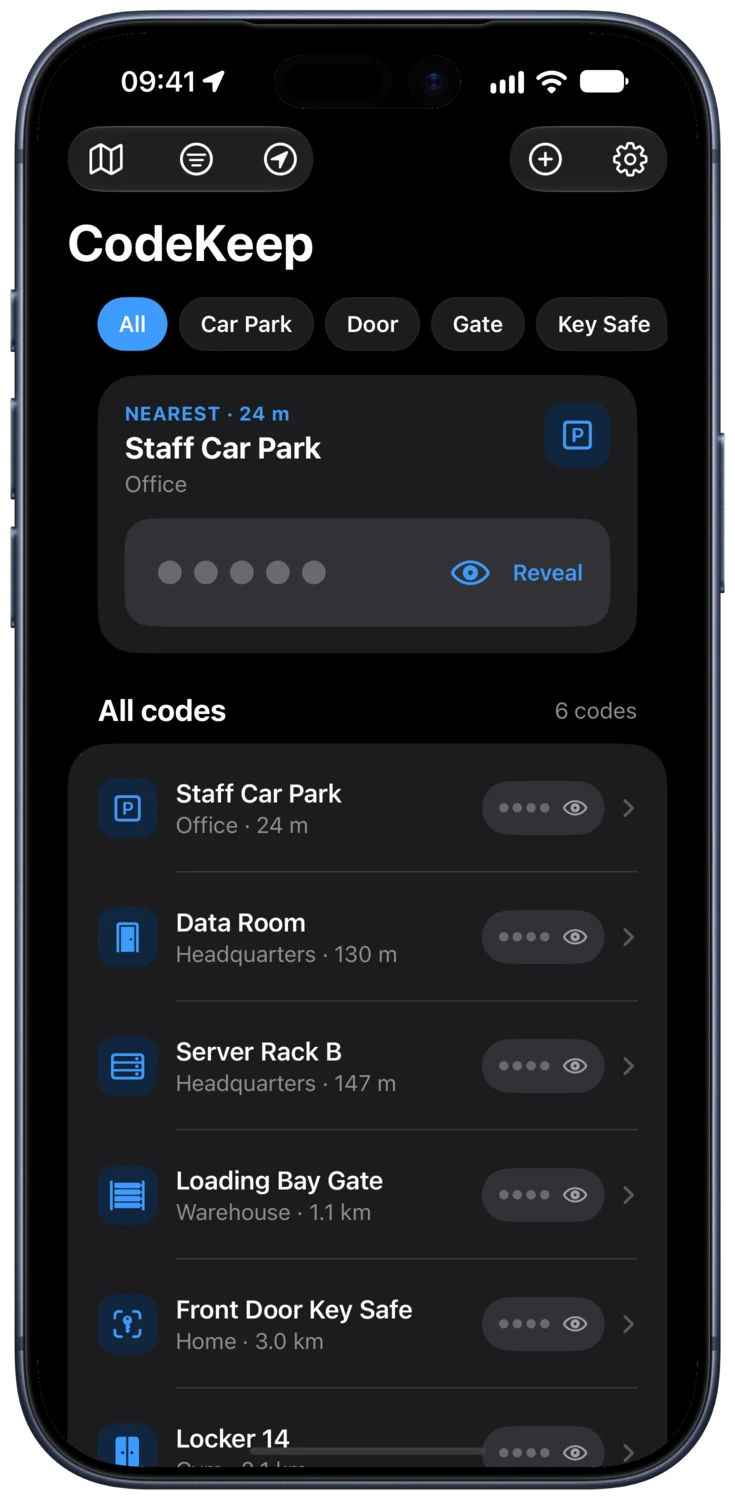
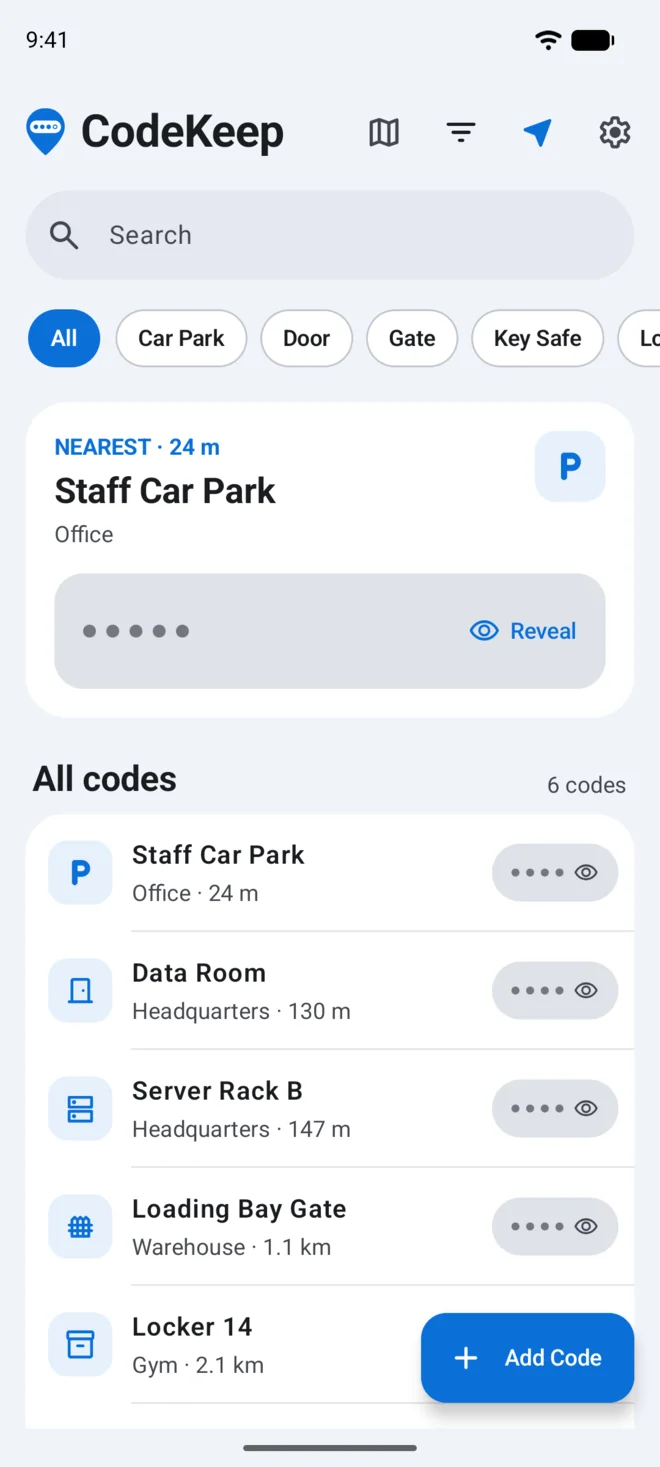
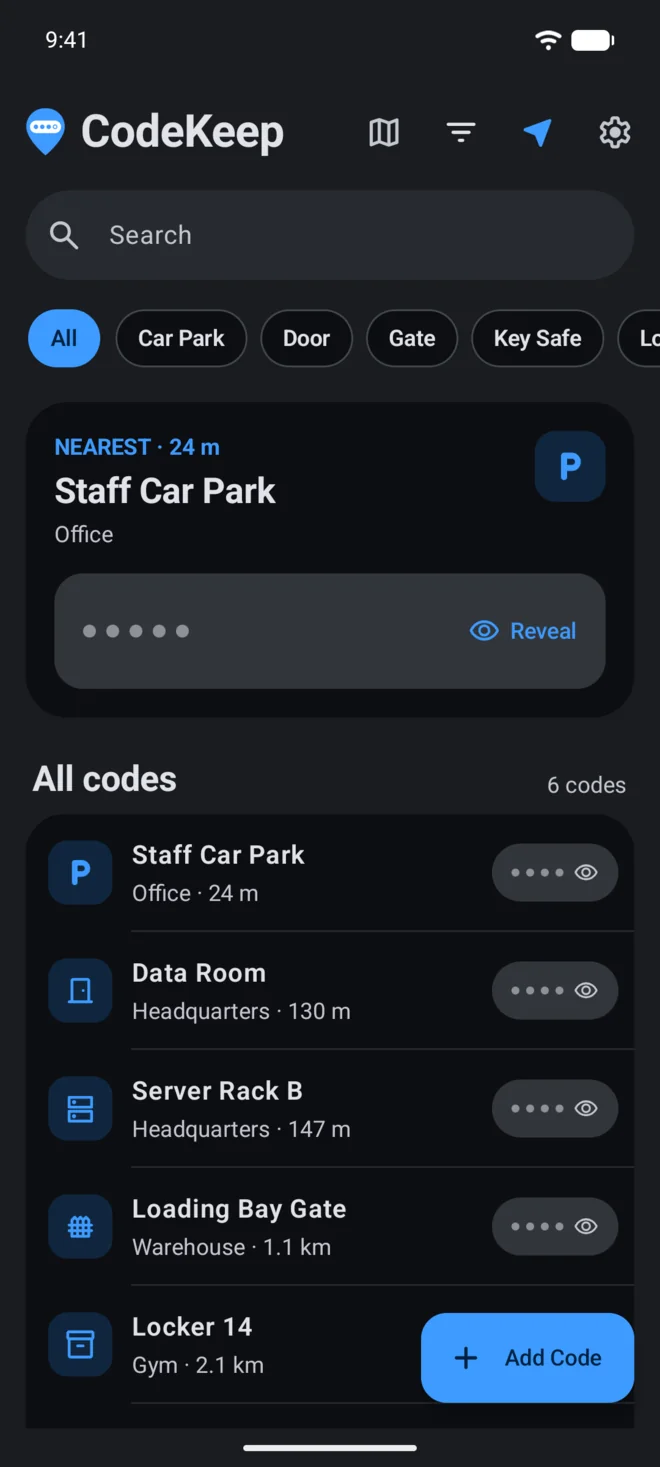
The nearest code, front and centre
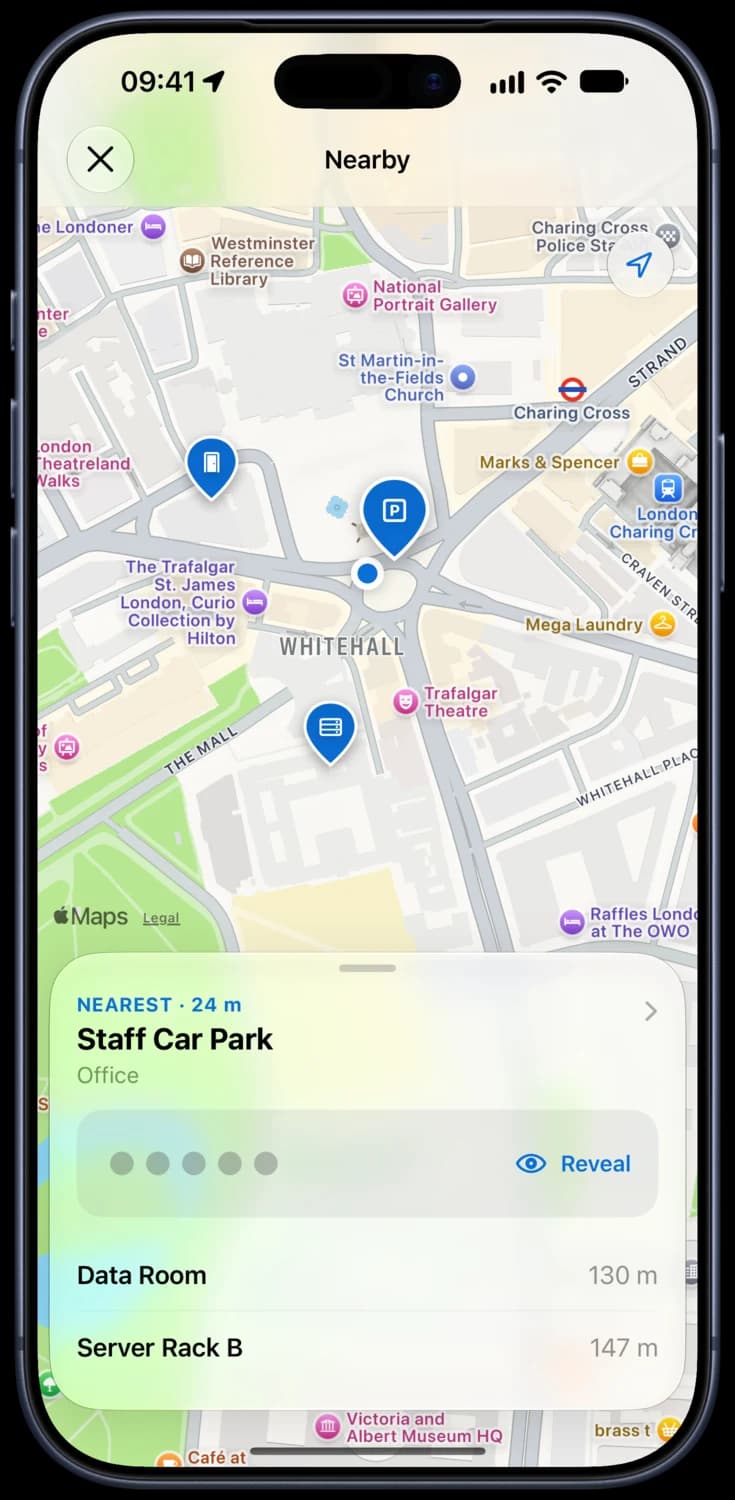
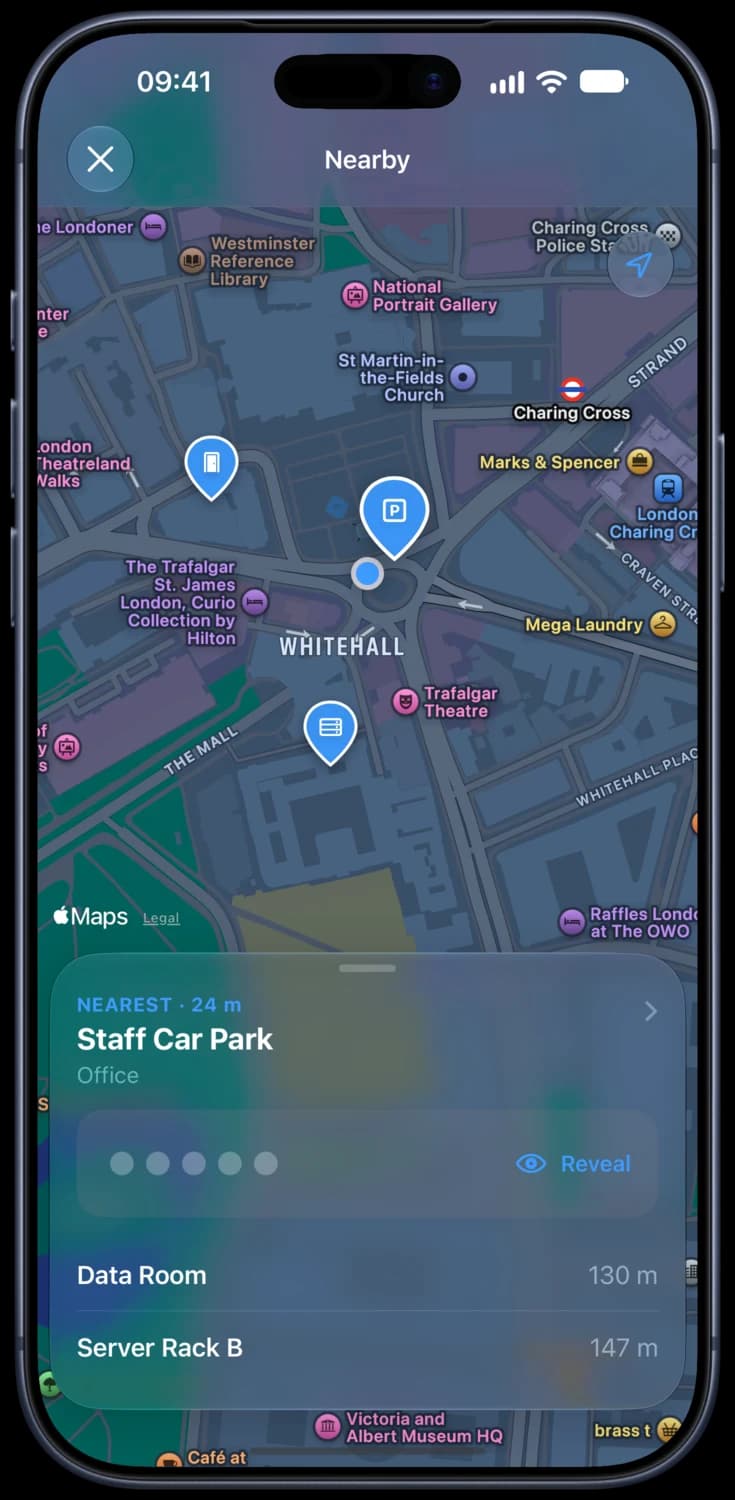
CodeKeep puts the code closest to you at the top of the list. Open the Nearby map to see every code around you, and keep moving: the list keeps up.
Tap to reveal
Codes stay hidden until you tap them, then hide again on their own, so nobody reads one over your shoulder.
Nearest · 24 m
Staff Car Park
Office
On your wrist
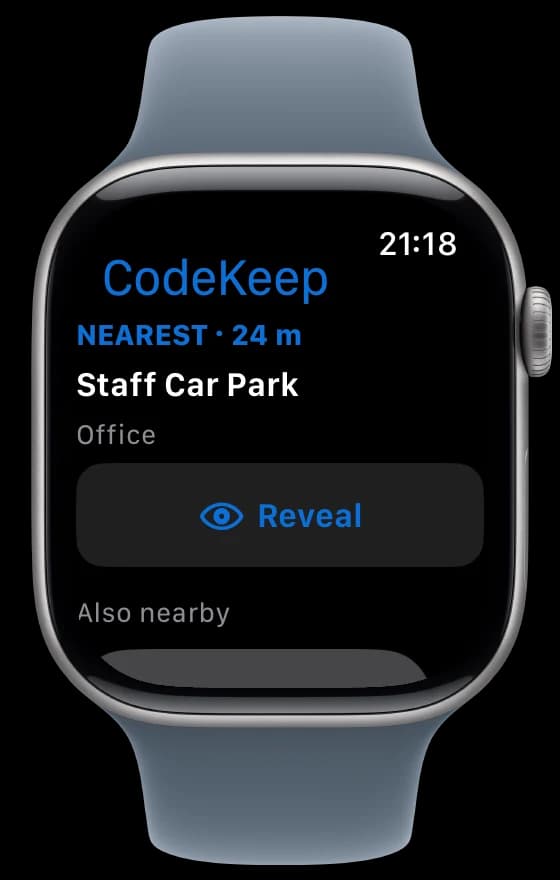
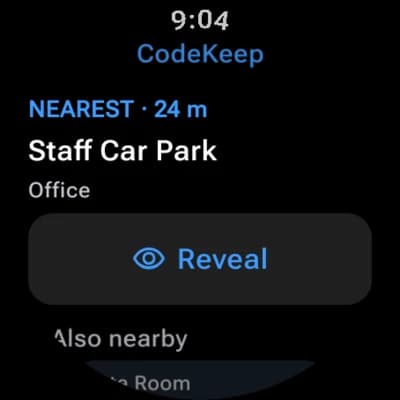
The nearest code on Apple Watch or Wear OS, ready to reveal with a tap when your hands are full. Codes are kept on the watch, so it works without your phone.
A precise pin for every code
Drop the pin exactly where the keypad is, add a note like “Level –1 barrier”, and get directions when you’re heading somewhere new.
Home screen and car
Add the Nearest Code widget to your home screen, or your CarPlay dashboard, and the barrier code is waiting as you pull up. Off until you turn it on.
Encrypted backup
Backs up automatically after every change to iCloud, Google Drive or a folder you choose, encrypted with a passphrase only you know.
Categories
Car park, door, gate, key safe, padlock, locker and more, or make your own.
Copy safely
Press and hold a code to copy it. Copied codes clear themselves after a minute.
Encrypted export
A passphrase-protected copy of your codes that opens on iPhone or Android, so switching phones is easy.
Private by design
Your codes are yours. Nobody else’s.
A lock code is a key. CodeKeep treats it like one, from the moment you save it to the backup in your cloud.
Encrypted on your phone
Codes are encrypted on your phone and can only be read while it’s unlocked.
Face or fingerprint lock
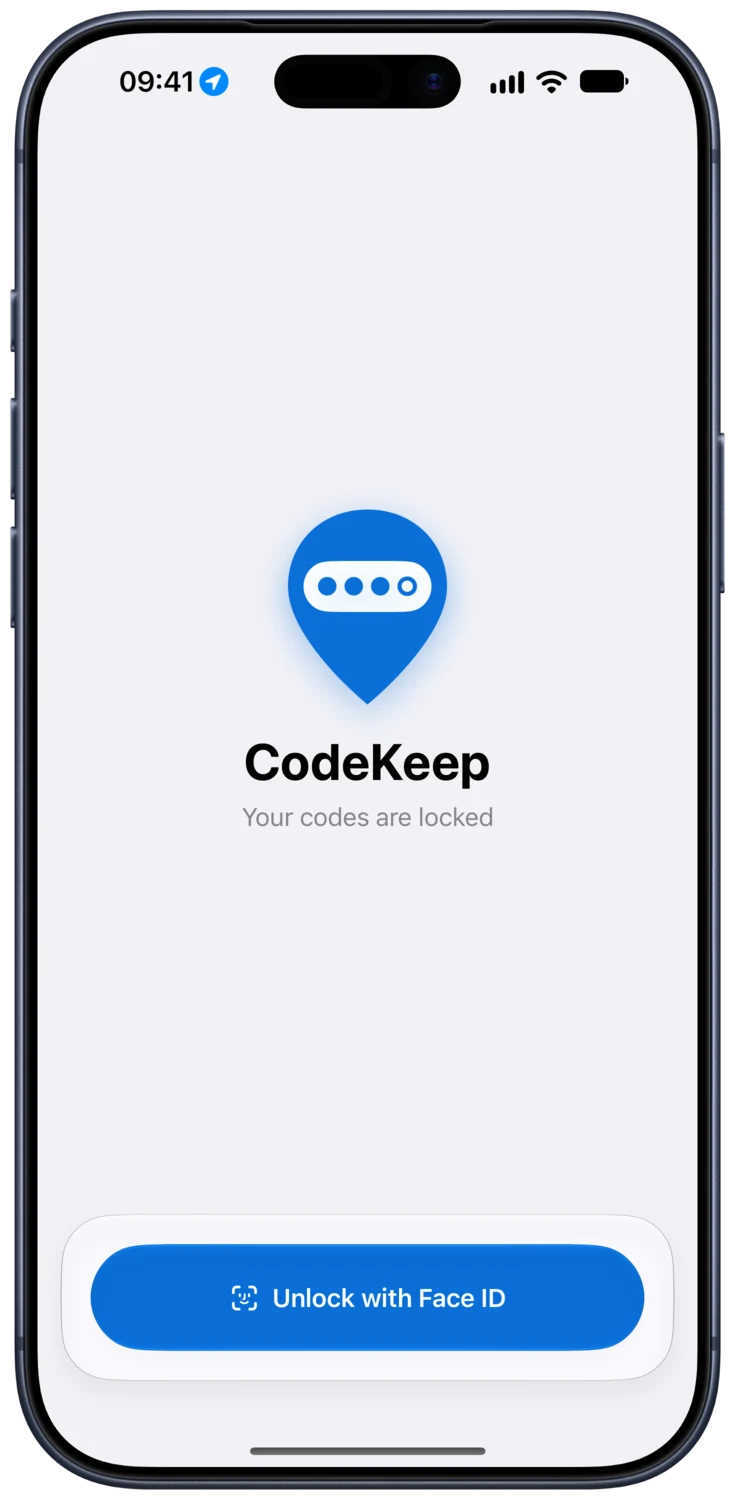
Require your face, fingerprint or passcode to open CodeKeep, and choose how soon it locks again.
End-to-end encrypted backups
AES-256 with a key from your passphrase, before anything leaves your phone. We can’t read your backup.
No account, no ads, no tracking
Nothing to sign up for. CodeKeep doesn’t collect personal data or sell anything to anyone.
Bought CodeKeep Version 1? CodeKeep Version 2 is on us.
Send us your receipt and we’ll send you a promo code. Here’s how to claim it and move your codes across.

Never forget a door, gate or key safe code again
Out now on the App Store, and coming soon to Google Play. One purchase, shared with your family. No subscription, no account and no ads, ever.
Coming soon toGoogle Play